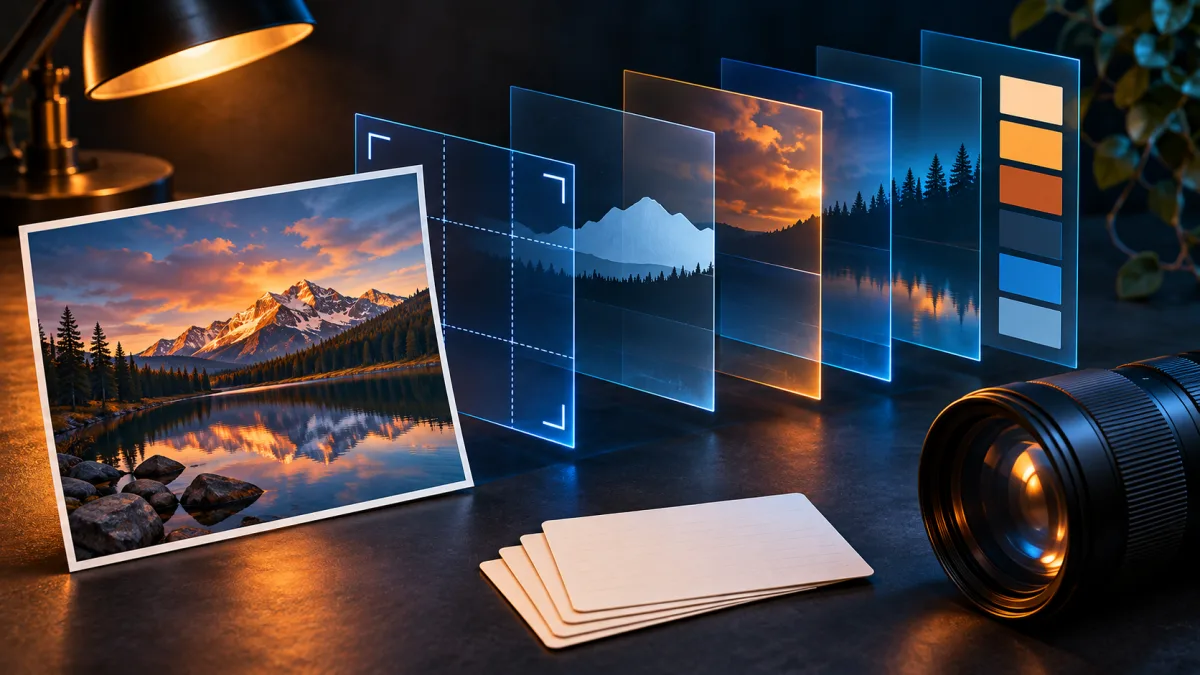
Pix and Prompt: How to Turn a Birthday Photo Into an AI Image Prompt
“Pix and prompt” sounds like a product name. In practice it describes a workflow: a photo goes in, words describe what should change, and a new image comes out. Most searches around the phrase are about birthdays, not abstract prompt theory.
The method below starts with one birthday photo. You decide what makes the person recognizable, describe the scene around them, and keep the face from drifting. It works in ChatGPT, Midjourney, Gemini, and most tools that accept a reference image.
What people usually mean by pix and prompt
People use it loosely. “Pix” can mean the source photo, the finished picture, or a library of birthday photo ideas.
Search suggestions point in the same direction. “Pix and prompt” is followed by birthday, birthday boy, happy birthday, generator, video, and AI. Someone is planning a birthday image, often for a child or relative, and wants the result to look intentional.
The useful question is narrower: what has to be said about this photo so the next image still looks like the same person?
Why birthday photos are harder than they look
Birthday edits carry more constraints than a random portrait. Keep the face familiar. Keep the age plausible. Clothes, cake, balloons, and the room all carry meaning. If the tool changes the smile, adds five years, or turns a six-year-old into a generic stock child, the image fails even when it looks polished.
Privacy gets skipped in most prompt lists. A child’s photo is not a neutral test image. Use a photo you have permission to use, keep the upload private when the tool allows it, and do not post a generated child image as if it were a real event. For an adult, ask before turning their photo into a public post.
None of that makes the task harder. It makes the result usable.
The five parts of a birthday photo prompt
Consistent edits usually rest on five parts. Skip one and the model fills the gap with a guess.
| Part | What to write | Example |
|---|---|---|
| Subject | Who is in the photo and what must not change | the same 8-year-old boy, round face, short black hair, missing front tooth |
| Moment | The birthday action, not just the pose | leaning toward a chocolate cake, about to blow out one candle |
| Setting | Room, time of day, and one background detail | small kitchen at dusk, blue paper garland, one window with warm light |
| Camera | Framing, distance, and lens feel | waist-up portrait, 50mm look, eye level, shallow depth of field |
| Keep-out list | What the model should avoid | no text, no extra fingers, no changed eye color, no plastic skin |
Keep that order. Models tend to weight the beginning more heavily, so identity belongs before decorations.
A fill-in template you can reuse
Replace the bracketed parts and delete whatever does not matter:
Use the attached photo as the identity reference. Keep the same [age], face shape, [hair], [eye color], and [one distinctive feature]. Show [name or subject] at a [theme] birthday, [specific action], in [setting] with [one prop]. [Framing and camera]. Soft [light direction] light. Natural skin texture, realistic hands, no text, no logos, no extra people. Do not change the face shape or age.“Identity reference” does more work than “make it look like him.” It tells the model the photo is evidence, not inspiration. The keep-out line matters too, especially for hands and text.
Twelve pix and prompt birthday ideas
Use these as starting directions, not scripts. Pick the one that matches the photo in front of you.
- Cake-light portrait. The person leans in as one candle is blown out, warm light on the face, dark room behind.
- Balloon doorway. They stand in a doorway framed by three balloons in the party colors, looking back at the camera.
- Birthday morning. Bedhead, pajamas, a small gift box on the bed, soft window light, no posed smile.
- Party table from above. Hands reaching for a slice of cake, plates and streamers visible, face partly in frame.
- Confetti pause. Mid-laugh with confetti in the air, frozen motion, simple wall behind.
- Grandparent and child. Two people, same height in frame, one shared cake, faces both readable.
- Birthday boy at the window. A boy in a plain shirt watching rain, one balloon reflected in the glass.
- Teen birthday, low-key. Headphones, a small cake, bedroom desk, cool evening light, no party hats.
- Adult milestone. Dinner table, one candle, glass raised, candid expression rather than a grin.
- Pet birthday. The pet in focus, the person slightly behind, one party hat on the pet only.
- Cultural birthday. Describe the specific food, clothing, or decoration you actually use instead of a generic “ethnic” look.
- Before-and-after card. Same framing and light in both images, one plain and one with the birthday scene added.
If you are searching for “pix and prompt birthday boy,” start with numbers 3, 7, and 12. They keep the scene ordinary enough that the face stays the focus. Generic party stock is easy to generate and hard to care about.
Birthday boy prompts need four extra decisions
Age comes first. “Boy” can mean a toddler, a seven-year-old, or a teenager, and the model will guess wrong if you leave it open. Put the age in every variation.
Clothing is the next choice. A button-down, a sports jersey, and a superhero costume produce very different images. Pick something in the reference photo or something the family actually chose. Do not let the model invent a costume and call it a theme.
Expression is next. A direct smile can look stiff; “caught mid-laugh” or “looking at the cake, not the camera” usually feels more natural. Then set the guest list. If the photo should contain only the birthday boy, say so, or the model may add children in the background to fill the scene.
Keep “Happy Birthday” out of the image
Text remains the weakest part of most image models. A cake with “Happy Birthday” written on it often comes back with broken letters, doubled words, or a misspelling that ruins the picture. Ask for a blank cake, then add the words in Canva, Figma, or your phone’s photo editor.
A clean photo is also more reusable. It can go on a card, a story post, or a framed print without a date or name that has to be edited out.
Using a generator without losing the face
A prompt generator can find the missing words. It cannot see whether the output still resembles the person. Treat the result as a draft. Run one image, compare it with the original at the same size, and check the distance between the eyes, the jawline, and the way the person usually smiles.
When the face drifts, shorten the prompt. Long prompts give the model more chances to negotiate with your description. Keep the identity block, the action, and the light. Cut the adjectives about magical atmospheres and cinematic universes. They rarely improve a birthday photo.
If you have a picture but no words, use an image-to-prompt tool to get a first description. PixelToPrompt’s Image to Prompt page turns a photo into editable text; rewrite it around the birthday scene. Often faster than staring at a blank prompt box.
A 60-second quality check
Start with the hands. Birthday scenes invite candles, cake knives, and balloons, which means fingers. Count them. Move to the eyes: both looking the same way, color consistent with the reference. Ears and hairline come next. That is where a familiar face starts to feel wrong.
Now zoom out. Does the image read as a birthday without a caption? If the cake is hidden and the balloons are out of frame, no. Add one clear prop. Remove one decoration. A birthday photo needs a moment, not a full party aisle.
Finally, the story. A strong image shows what happened just before or after the pose: the hand on the cake knife, the breath before the candles, the glance at the gift. Small actions make a generated picture feel less like a template.
Frequently asked questions
Is “pix and prompt” a specific app?
Not consistently. People use the phrase for photo-plus-prompt workflows and for birthday prompt searches. Check the actual tool name before uploading anything, and read its privacy page.
Can I use one photo for several birthday styles?
Yes. Keep the identity block identical; change the setting, action, and light. You get variation without changing the person.
Why does the generated face look older or younger?
The model is guessing the age. Put the age in the prompt, mention one age-specific detail, and add “do not change the apparent age” to the keep-out list.
Should I include “happy birthday” in the prompt?
Usually no. Generate a clean image and add the text in an editor. You will get better lettering and an image you can reuse.
What if the hands come out wrong?
Remove hand-heavy actions from the prompt. A portrait with hands out of frame is easier than a cake-cutting scene. If the hands matter, generate a wider shot and crop later.
Can I make a birthday video from one photo?
Some tools accept a still image and animate a small motion, such as a candle flicker or a slight head turn. Keep the motion modest. Large movements are where faces and hands break.
If you want to go from a finished birthday photo to a reusable prompt, start with the Photo to Prompt page. If you are still choosing a visual direction, the Image Prompt Guide explains how framing, light, and style fit together.