Reverse Image Search vs Reverse Prompt
Reverse image search and reverse prompt look similar from the outside: you upload a picture and get something back. But they answer different questions. One asks “where else does this image appear, and what is it?” The other asks “how would I describe this image well enough to make something like it?”
Choosing the wrong one wastes time. If you need a source, a similar product, or a higher-resolution original, a prompt will not help. If you need a reusable description for Midjourney, Stable Diffusion, or a product listing, a list of visually similar images is not the answer either.
The question each tool answers
Reverse image search is a retrieval task. It compares visual features, text in the image, and sometimes metadata to find pages where the image or a near-duplicate appears. Google Lens, Bing Visual Search, and TinEye are common examples. Results can include the original page, product listings, crops, memes, or visually similar images that are not the same file.
Reverse prompt is a description task. It looks at the image and writes text about the subject, composition, lighting, color, and style. The output is not a source and not a match. It is a draft prompt you can edit. PixelToPrompt's Image to Prompt generator is built for this: upload an image, get editable plain text, then rewrite it for your own project.
| Question | Reverse image search | Reverse prompt |
|---|---|---|
| What do you give it? | An image, a crop, or a screenshot | An image, usually one clear subject |
| What do you get back? | Source pages, product matches, visually similar images, sometimes text matches | A written description or prompt in plain text |
| What is it for? | Finding an origin, a seller, a higher-resolution copy, or a lookalike | Recreating a style, writing alt text, building a prompt, documenting a reference |
| What does it not do? | Explain how the image was made or give you a reusable prompt | Prove where the image came from or whether you have the right to use it |
| Best first move | Crop to the distinctive part, then search | Use a clean image with one obvious subject |
Reverse image search in practice
The quality of a reverse search depends heavily on the crop. If you upload a full poster with text, borders, and a watermark, the engine may match the layout instead of the photo. Crop to the face, the product, or the most distinctive pattern, then search again. For product photos, crop to the object and remove as much background as possible.
Results are not proof of ownership. A page that hosts the same image may have copied it from somewhere else. A product listing that looks identical may be a different item with the same stock photo. Treat the result as a lead: open the page, check the date, the author, and whether the image is original to that page.
Reverse search is also weak on generated images. A synthetic portrait may return hundreds of “similar” faces that share a style but not an identity. If your goal is to find out whether an image is AI-generated, a search engine is not a reliable detector. Look for metadata, artifacts, and the context of the upload instead.
Privacy matters here. Uploading a private photo to a public search engine can create a copy you did not intend to share. If the image contains a face, a document, or a location, use a crop that removes the sensitive part, or use a tool with a clear retention policy. PixelToPrompt states that an upload is used to produce the prompt for that request and is not published to a public gallery; that is a narrower use than a general search index, but it is still worth reading the privacy page before uploading anything sensitive.
Reverse prompt in practice
A reverse prompt works best when the image has a clear subject and readable visual structure. A flat product shot on a plain background is easy. A crowded street scene with ten people, reflective glass, and motion blur is hard. The model can still describe the mood, but the details will be generic.
The first output is a draft, not a final prompt. Read it and ask three questions: Does it name the subject accurately? Does it describe the light and camera angle? Does it include details that are not actually in the image? Delete the invented parts, add the facts the model missed, and then test it in your generator.
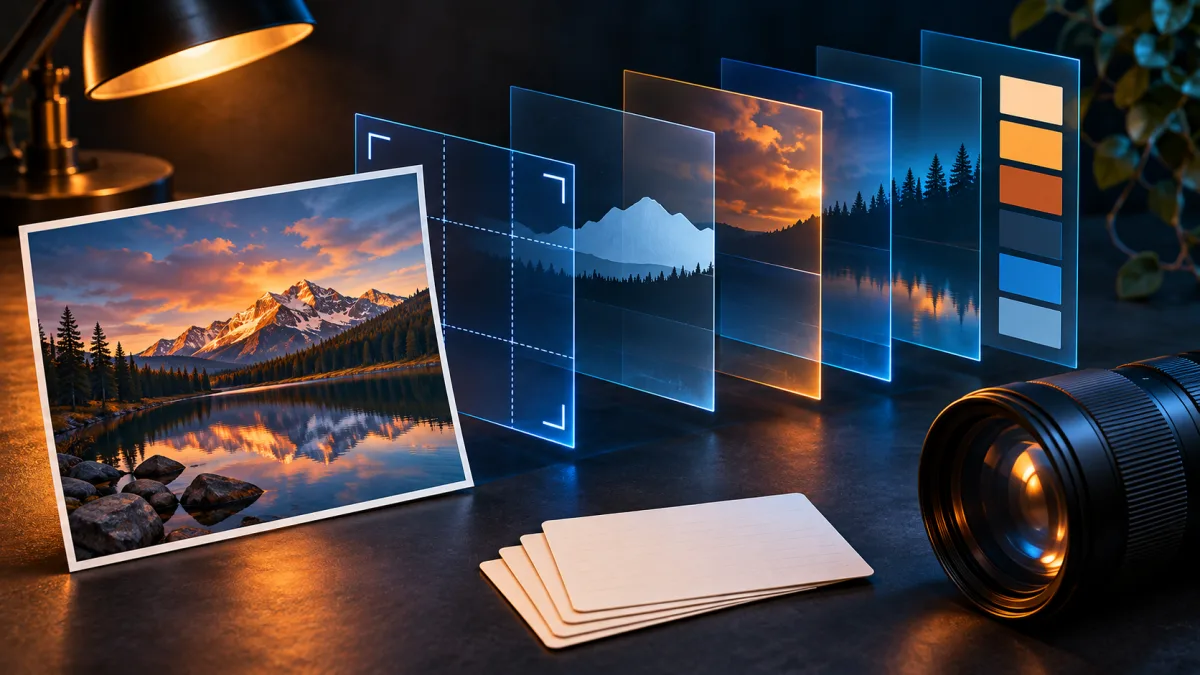
A useful prompt usually has four layers: subject, composition, light, and style. “A ceramic mug on a wooden table” is a subject. “Slightly above eye level, product fills two thirds of the frame” is composition. “Soft window light from the left” is light. “Matte glaze, fine speckle, no visible logo” is style and constraint. A reverse prompt tool can surface these layers, but you still have to decide which ones matter.
If you are writing for a marketplace, the same description can feed alt text and a listing caption, but the wording should change. Alt text serves access; a prompt serves generation. The overlap and the differences are covered in What Is Reverse Prompt Engineering? and in the photo description guide.
Where they overlap
Both start with an image and both can help you understand it. A reverse search may show you the product name, which then improves your prompt. A reverse prompt may give you the words “speckled stoneware,” which then makes your search more precise. In that sense they are complementary, not rivals.
Both also fail in the same place: a low-information image. A blurry crop, a heavy filter, or a picture with no clear subject gives neither tool much to work with. If both results feel vague, the problem may be the input, not the tool.
And neither one grants rights. Finding a source does not make an image free to use. Writing a prompt that resembles an artist's style does not make the output yours in a legal sense. Check the license, the platform terms, and the local rules for the use you have in mind.
Four scenarios, four choices
- You found a product photo and want the seller or a cheaper source. Use reverse image search. Crop to the product, search, then compare labels, dimensions, and materials.
- You found a style you like and want to make your own image in that direction. Use a reverse prompt. Extract the visual layers, rewrite them around your own subject, and do not copy a living artist's signature style.
- You need alt text for an existing image. Start with a reverse prompt for the visual facts, then rewrite for access. Do not paste the prompt directly into alt text.
- You suspect an image was stolen from your site. Use reverse image search first. A prompt will not tell you where else the file appears.
A combined workflow
- Start with a clean copy of the image. Remove screenshots, chat borders, and unnecessary text.
- Run a reverse image search on a crop of the most distinctive element. Note any source pages or product names that look credible.
- Run a reverse prompt on the same image. Keep the output as a draft, not as final copy.
- Compare the two results. If the search gives you a product name, add it to the description. If the prompt gives you a material or lighting term, use it to refine the search.
- Rewrite the prompt in your own words. Remove invented details and add the facts you verified.
- Test the prompt in your generator at a small size before committing to a final render.
This order works because search is good at naming things and prompts are good at describing them. Neither is good at doing both without help.
Limits, rights, and privacy
Reverse image search cannot prove that an image is original, licensed, or safe to reuse. It can show you where else it appears, which is a starting point for a permission check. If you cannot find a source, that does not mean the image is free; it may simply be unindexed.
Reverse prompt cannot recover the exact prompt, seed, model, or editing history of an image. It produces a plausible description, not a forensic reconstruction. Results vary by model and by image, and a prompt that looks right can still generate a different composition.
For private images, reduce what you upload. Crop out faces, addresses, screens, and documents. Read the tool's privacy statement before uploading anything you would not want indexed. If the image belongs to a client, get permission before sending it to a third-party service.
The practical rule: use search to find context, use a prompt to find words, and use your own judgment for rights. No tool replaces the last step.
FAQ
Can reverse image search tell me if an image is AI-generated?
Not reliably. It can show you where the image appears and whether the same file has been posted elsewhere, but it is not a detector. Look at metadata, visual artifacts, and the upload context as well.
Does a reverse prompt give me the original prompt?
No. It writes a new description based on what is visible. The original prompt, seed, and model settings are not recoverable from the image alone.
Which one should I use for product research?
Start with reverse image search to identify the product and similar listings. Then use a reverse prompt to describe the photo if you need to recreate the visual style or write a listing.
Can I upload a client's image to a prompt tool?
Only with permission and only under the terms the client agreed to. If the image contains private information, crop it out first or use a local workflow.
Is a reverse prompt accurate enough to publish?
Treat it as a draft. It can miss scale, material, and details on the back of the object. Verify anything a buyer would check before publishing.